




Outsourcing workplace management
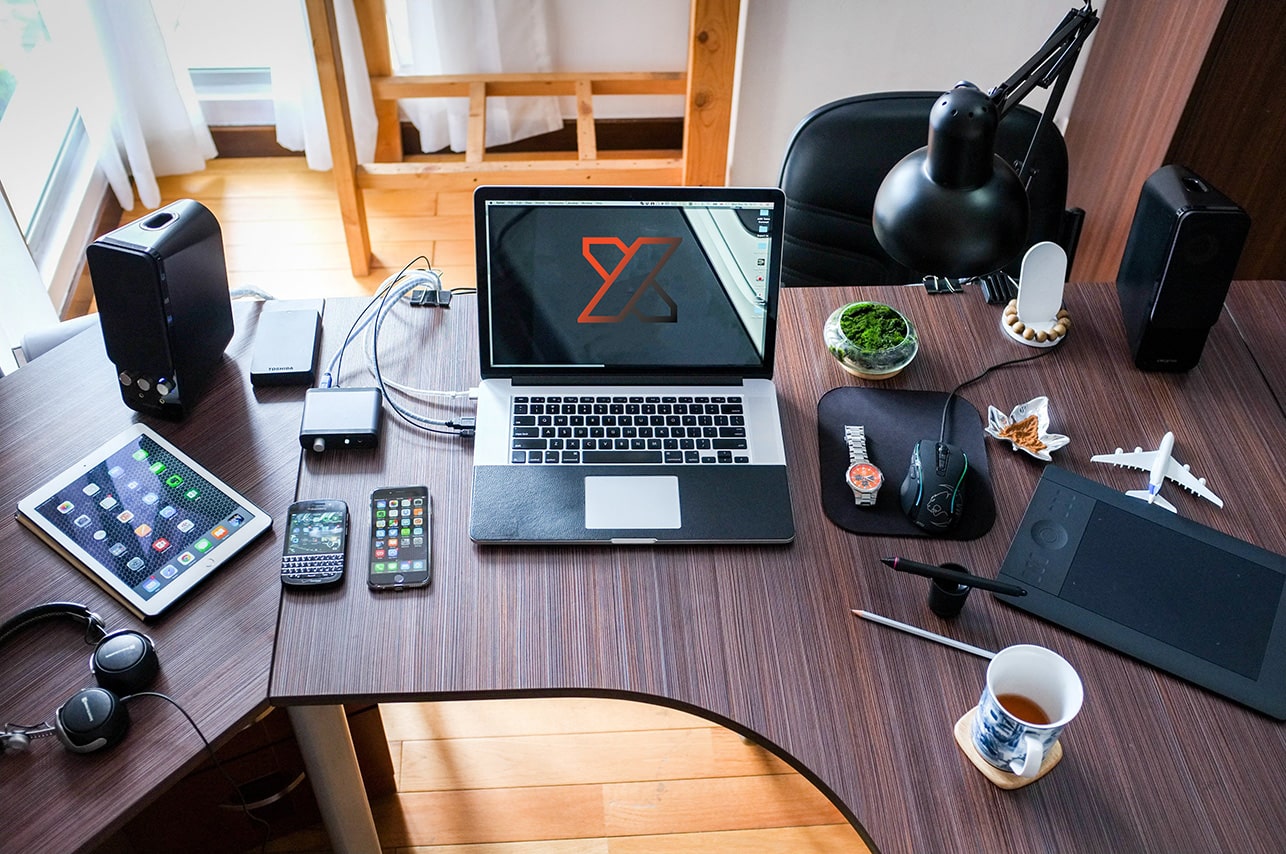
Workplace management is the provisioning, management and updating of everything your employees work with: their laptop, phone, software, accounts and security. Outsourcing means that we take care of that, from preparing a laptop for a new colleague to solving malfunctions and keeping track of updates.
Schaalbaar
IT die meegroeit
Persoonlijk
In nauwe samenwerking
Transparent
No surprises
EXPLANATION
What exactly is workplace management?
Workplace management is about where your employees do their work: the device, the programs on it, the accounts they log in with, and the security around it. So it’s different from system management, which is about your servers and central systems, and different from network management, which is about your internet connection, firewall, switches, and Wi-Fi.
In practice, the three merge into each other and we often take care of them together. But when you search for workplace management, it’s about your people and their devices. We set up that modern workplace , keep it up to date and are the point of contact if something doesn’t work.

COSTS
What does workplace management cost?
You pay a fixed amount per workplace per month. This includes management, updates, monitoring, antivirus, endpoint security, and the service desk. What determines the price: the number of workplaces, whether you buy hardware yourself or lease through us, and what level of service you want. We budget hardware and projects separately, so that your monthly costs remain predictable.

OUTSOURCING
What are the benefits of outsourcing?
A new employee is productive the same day. Software stays up to date without anyone having to think about it. You have one number instead of figuring out who is responsible for what. And you know in advance what it costs. We take care of device management through Intune, updates, security, MFA, monitoring, licensing, and the service desk.
WHAT IS COVERED
This is part of workplace management
Hardware and software
Install, set up, and update laptops, phones, and programs like Microsoft 365 .
Support
Employees help with malfunctions and questions, without a queue or forwarding.
Security
Protect devices and company data from viruses, phishing, and data breaches.
Work from anywhere
Work safely from the office, at home or on the road, with the same access.
A CONCRETE EXAMPLE
This is how it goes with a new colleague
You report the start date
We order the laptop or take one from stock.
We get it ready
Accounts, software and permissions are in place before it is sent.
Security is on
Disk encryption, MFA, and antivirus are preset.
Log in and get started
Your colleague logs in, we watch you on the first day.
CUSTOMER CASES
Customers who preceded you
Electronics By Knowledge
Managed
Body Supplies
Managed
Care taken care of
Managed
Zainab Foods
Managed
Thal Technologies
Managed
Body Supplies
Managed
WHY NEXER
That's why you choose Nexer
Personal approach and customization
No ready-made packages, but IT that is tailored to how your company actually works and where it wants to grow.
Efficiency and cost savings
We tailor your IT environment to what your business really needs, so you don't pay for redundant features or licenses.
Innovation at your pace
Whether you want to switch quickly or prefer to innovate step by step: we ensure that your IT environment always matches this.
Proactive
We think ahead. With proactive monitoring and advice, we identify risks before they become a problem in the workplace.
FAQ
Frequently asked questions about workplace management
Workplace management is about the side your employees have to deal with: the laptop, the phone, the software on it, the account and the security of that device. System management is one layer deeper and is about the systems to which those workstations connect, such as servers, storage and the underlying infrastructure. Network management is something different and revolves around the connection itself: firewall, switches, Wi-Fi and internet. Most SMBs need all three, but to varying degrees. If you work entirely in the cloud, there is little left of classic system management and the focus is on the workplace.
We charge a fixed amount per workplace per month. What that amount will be depends on a number of things: how many workplaces you have (the more users, the lower the rate per piece), whether you work with fixed computers or laptops, whether you buy the hardware yourself or purchase it from us, and what level of service you want. The standard amount includes management and updates, monitoring, antivirus and endpoint security, license management and the service desk. We budget hardware, migrations and projects separately, so that your fixed monthly costs remain predictable. After a short intake, you will receive a proposal stating in black and white what is and is not included.
In practice, it starts to pay off around ten workplaces. Below that, you can often manage with someone who does it on the side. Between ten and fifty employees it is usually the best choice: too little work to hire your own IT person, too much to do it in between. Above fifty you often see a combination: your own IT employee who is the point of contact for colleagues, with us underneath for management, security and the backstop in case of vacation or illness. You can also come to us with five workplaces, but then we will honestly say whether it will give you enough.
You report it to the service desk. We first see if it can be solved remotely, because a large part of the “broken” laptops turn out to be a software problem. If there is really hardware broken, we will arrange the repair or warranty handling. In the meantime, your employee will receive a loaner device that we will prepare with the same accounts and software, so that he can continue working as usual. Because the files are in the cloud and not locally on the device, nothing is usually lost. That is exactly why we do this design as standard.
Yes, provided you do it in phases. We start with an inventory: which devices are there, which licenses are running, who manages what and what agreements are still open with your current party. Then we take over the management, usually monitoring and support first, and only later the adjustments that have an impact. What is noticeable, we plan outside office hours or in a quiet week. As a rule, your employees will notice little of the transition, except that they call another number if there is something. We do not ask you to terminate your contract until it is clear how the transfer will proceed.
CONTACT
Shall we get acquainted?
No quote, no sales call. Together we look at how many workplaces you have, how it is currently arranged and where it is pinching. Then you will know whether outsourcing makes sense for your company, and what it will cost approximately. Do you want the bigger picture first? Then take a look at our IT management.
